1. Home
  2. Videos
  3. Hayat ERP
Hayat ERP · Walkthrough on real screens

Hayat ERP walkthrough: Users, roles and company settings

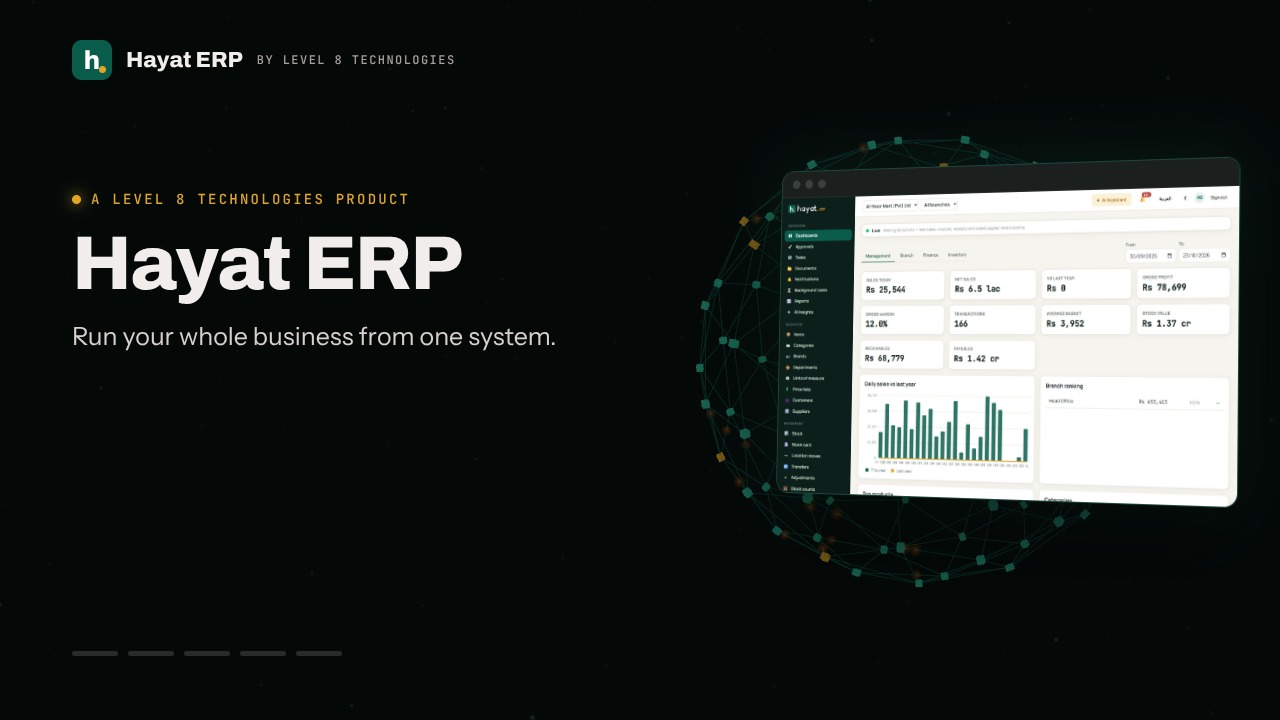
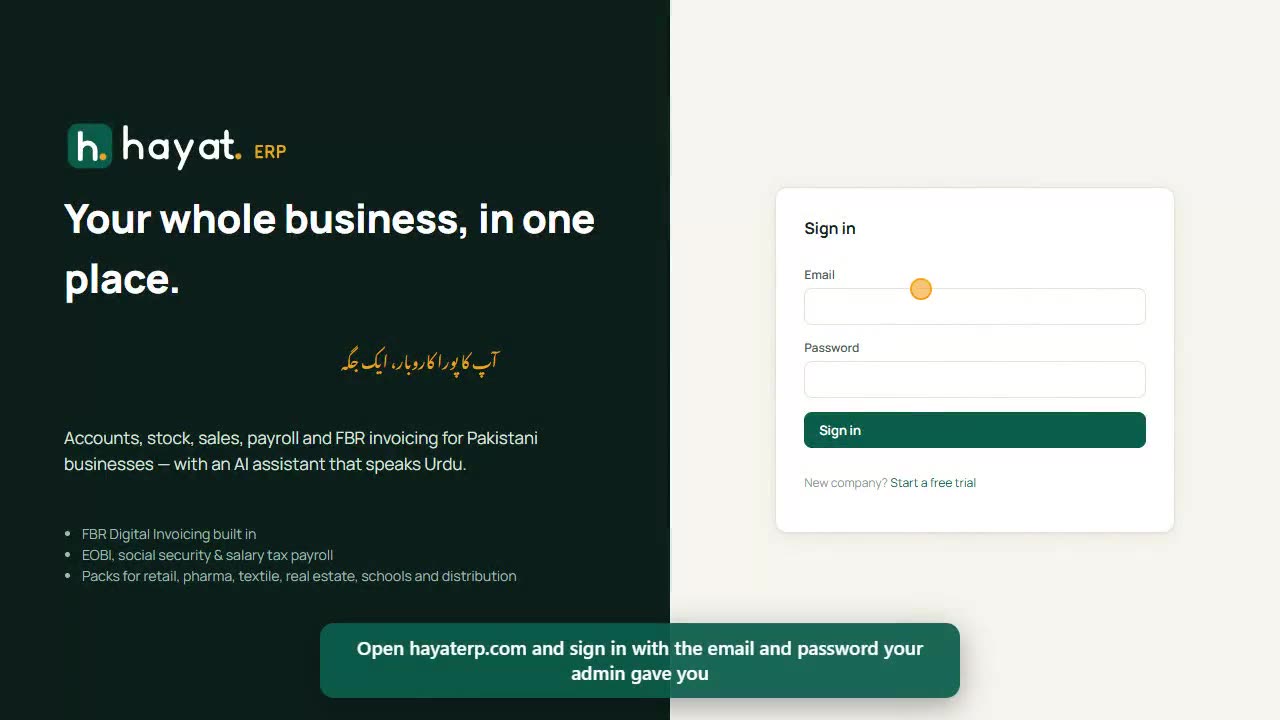
A 28-second screen walkthrough of Hayat ERP. Add users and give each a role: cashier, store manager, accounts, doctor. Company settings: logo, tax numbers, branches, numbering and security. Choose which POS screens your business uses. Import items, customers and opening stock from Excel. 0:28
Video transcript

0:02 Add users and give each a role: cashier, store manager, accounts, doctor...

0:12 Company settings: logo, tax numbers, branches, numbering and security

0:19 Choose which POS screens your business uses

0:24 Import items, customers and opening stock from Excel

Book a call

Tell us what you're building.

We reply within one business day with a proposed team, timeline and monthly cost.

Ali AbdullahChief Executive Officer
Email
sales@level8technologies.com
Phone
+92 303 506 1264
WhatsApp
+92 303 506 1264
Office
Karachi, Pakistan

Request a proposal

We only use your details to reply to this request. See our privacy policy.
WhatsApp us