1. Home
  2. Videos
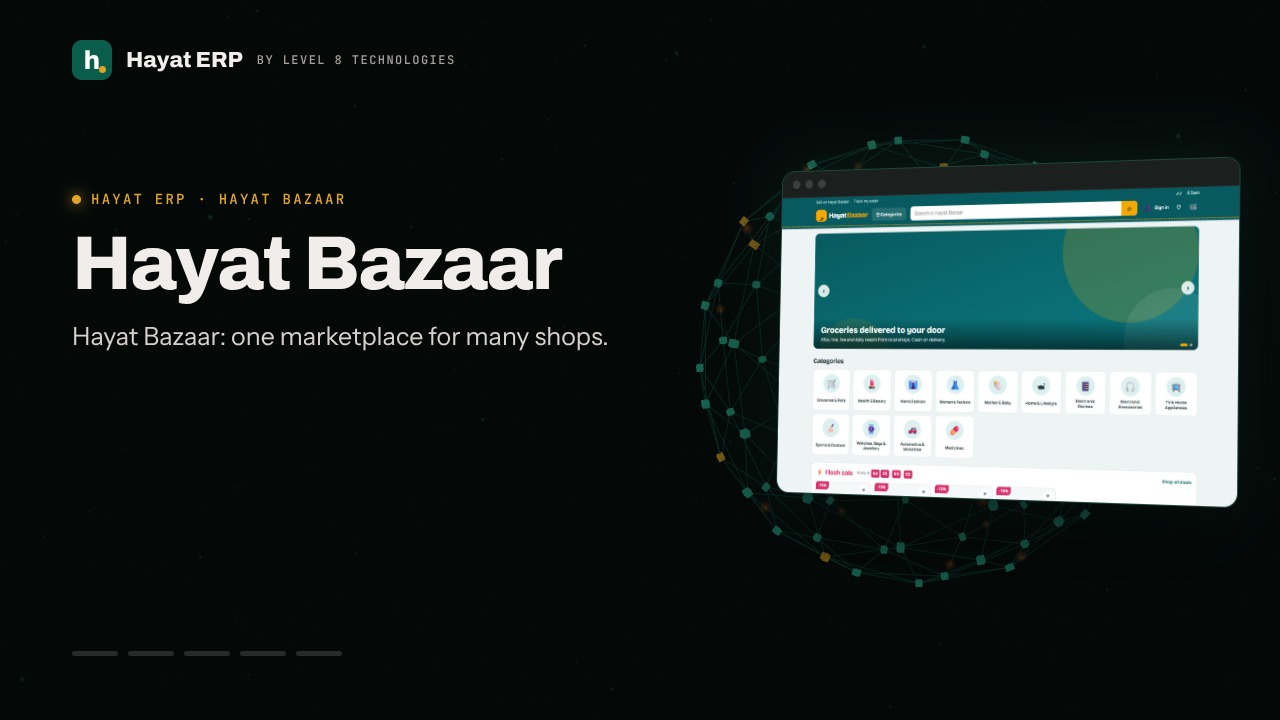
  3. Hayat Bazaar
Hayat ERP · Walkthrough on real screens

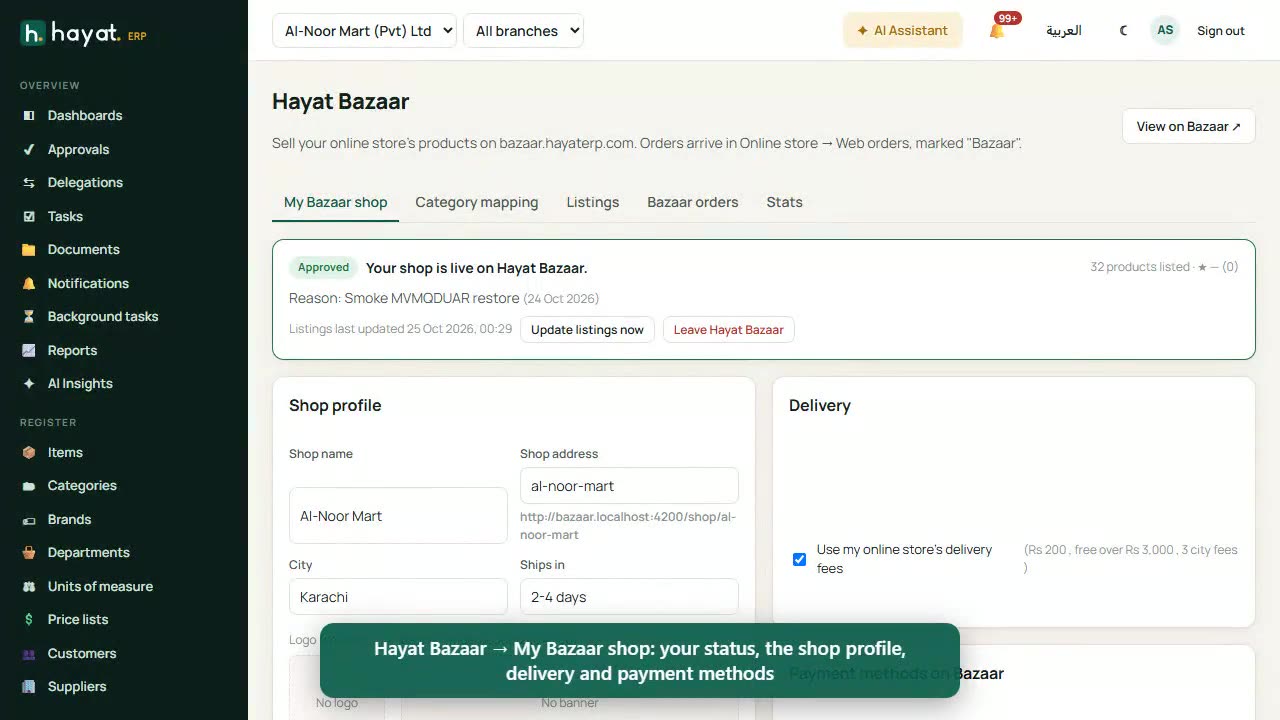
Hayat ERP walkthrough: Hayat Bazaar: find a product and put it in the cart

A 55-second screen walkthrough of Hayat ERP. Hayat Bazaar: the products of many local shops in one place, with one cart. Open a category from the tiles or the Categories menu. Sub-categories at the top, filters on the side, the products beside them. Filter: only what is in stock. 0:55
Video transcript

0:03 Hayat Bazaar: the products of many local shops in one place, with one cart

0:09 Open a category from the tiles or the Categories menu

0:15 Sub-categories at the top, filters on the side, the products beside them

0:19 Filter: only what is in stock

0:22 Sort by price, best selling, newest or rating

0:26 Each card shows the price, any discount, the shop and its city

0:32 The product page: pictures, price, the shop, delivery to your city and reviews

0:45 The cart has one box per shop: its delivery fee, free-delivery progress and voucher

0:49 Proceed to checkout pays each shop its own way — not placed here

Book a call

Tell us what you're building.

We reply within one business day with a proposed team, timeline and monthly cost.

Ali AbdullahChief Executive Officer
Email
sales@level8technologies.com
Phone
+92 303 506 1264
WhatsApp
+92 303 506 1264
Office
Karachi, Pakistan

Request a proposal

We only use your details to reply to this request. See our privacy policy.
WhatsApp us