1. Home
  2. Videos
  3. CRM & helpdesk
Hayat ERP · Walkthrough on real screens

Hayat ERP walkthrough: Handle a support ticket

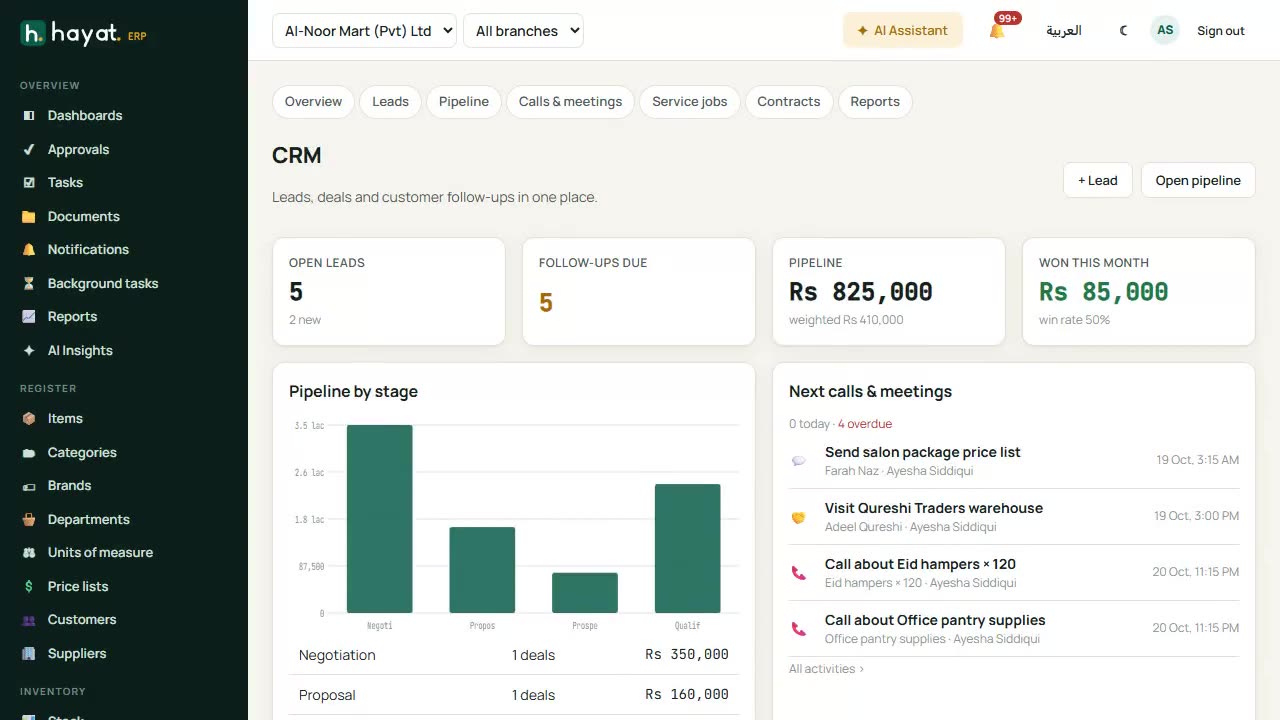
A 32-second screen walkthrough of Hayat ERP. Helpdesk: tickets from customers, the online shop and your own staff in one place. Open a ticket to read the conversation. Reply to the customer, or add an internal note only staff can see. Set priority, assign an agent and change the status when it is solved. 0:32
Video transcript

0:05 Helpdesk: tickets from customers, the online shop and your own staff in one place

0:08 Open a ticket to read the conversation

0:11 Reply to the customer, or add an internal note only staff can see

0:22 Set priority, assign an agent and change the status when it is solved

0:28 Reports: response times, open tickets per agent and per category

Book a call

Tell us what you're building.

We reply within one business day with a proposed team, timeline and monthly cost.

Ali AbdullahChief Executive Officer
Email
sales@level8technologies.com
Phone
+92 303 506 1264
WhatsApp
+92 303 506 1264
Office
Karachi, Pakistan

Request a proposal

We only use your details to reply to this request. See our privacy policy.
WhatsApp us