1. Home
  2. Videos
  3. Restaurant & salon
Hayat ERP · Walkthrough on real screens

Hayat ERP walkthrough: Restaurant: table bookings, QR codes and takeaway

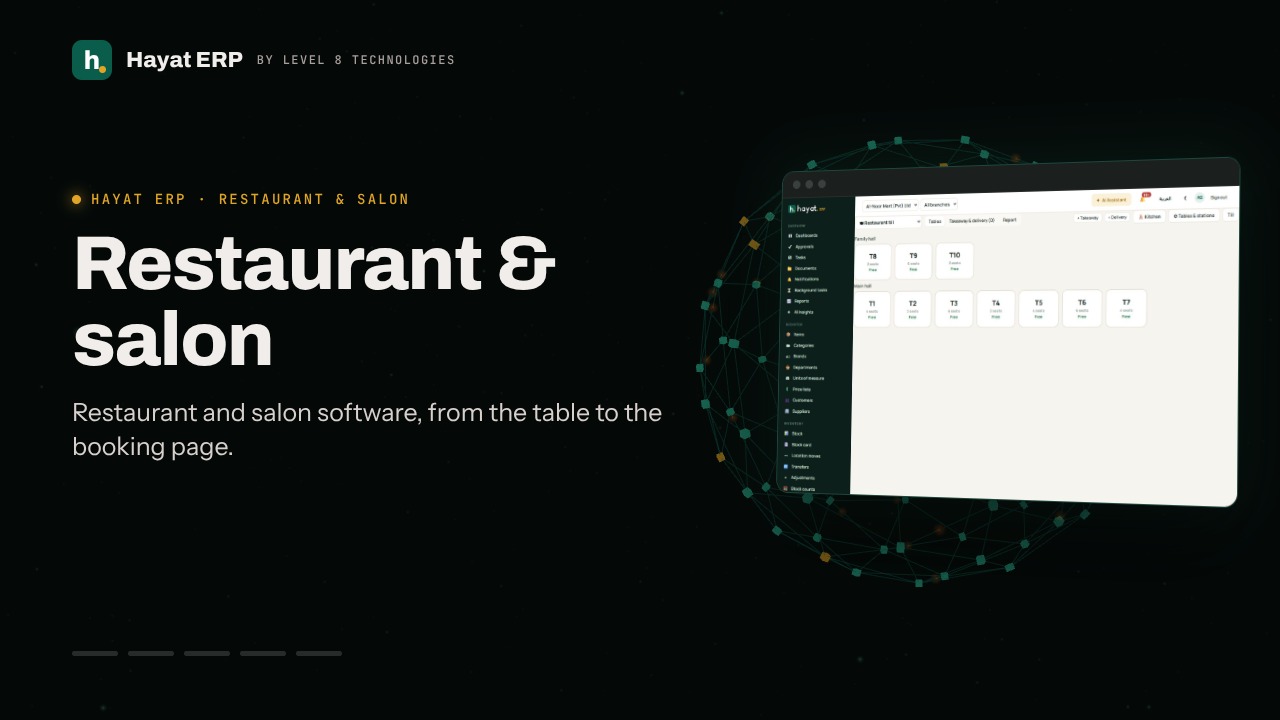
A 46-second screen walkthrough of Hayat ERP. Table bookings: the day grouped by time slot, with the guests in each slot. Choose the date and guests — free slots appear as buttons. Name, mobile and how they booked; the guest gets an SMS or WhatsApp confirmation. Open a booking to seat the guests on a table, take a deposit or mark a no-show. 0:46
Video transcript

0:03 Table bookings: the day grouped by time slot, with the guests in each slot

0:08 Choose the date and guests — free slots appear as buttons

0:11 Name, mobile and how they booked; the guest gets an SMS or WhatsApp confirmation

0:16 Open a booking to seat the guests on a table, take a deposit or mark a no-show

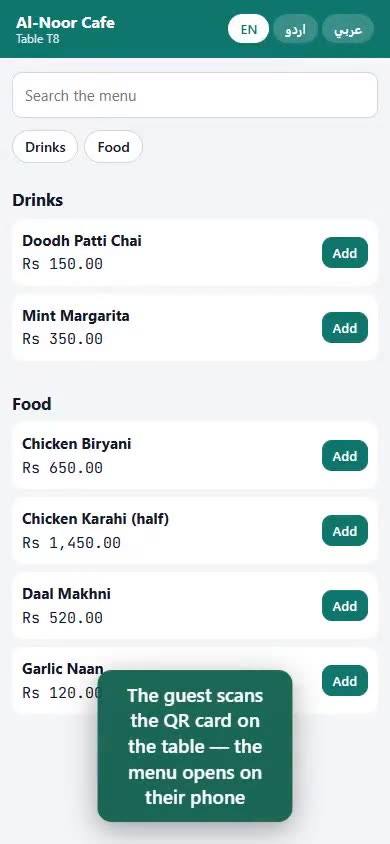
0:21 Table QR codes: print a card for each table — guests order from their phones

0:27 Guest requests: call waiter, bill please and orders to confirm

0:32 Takeaway tokens: mark ready and collected — the pickup screen shows the numbers

0:37 Delivery orders from Foodpanda or Careem: accept, ready, rider took it

0:42 Online restaurant: your booking page, QR ordering, takeaway and the menu

Book a call

Tell us what you're building.

We reply within one business day with a proposed team, timeline and monthly cost.

Ali AbdullahChief Executive Officer
Email
sales@level8technologies.com
Phone
+92 303 506 1264
WhatsApp
+92 303 506 1264
Office
Karachi, Pakistan

Request a proposal

We only use your details to reply to this request. See our privacy policy.
WhatsApp us