1. Home
  2. Videos
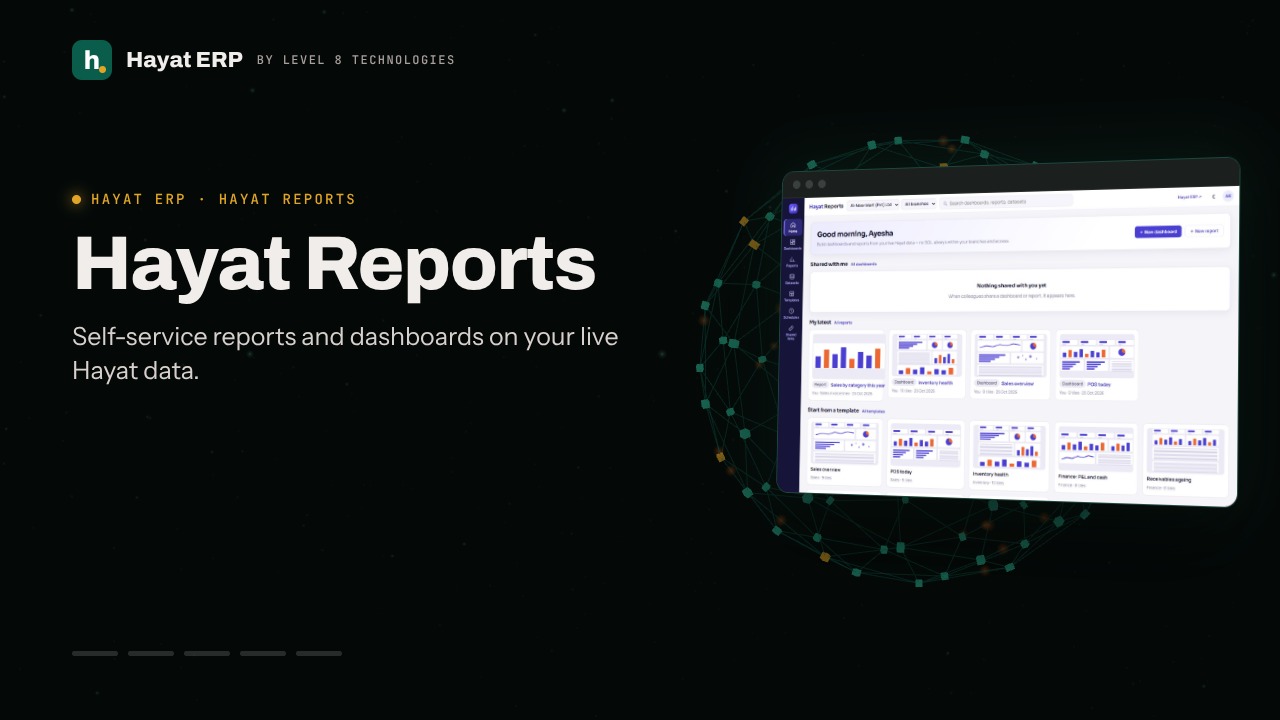
  3. Hayat Reports
Hayat ERP · Walkthrough on real screens

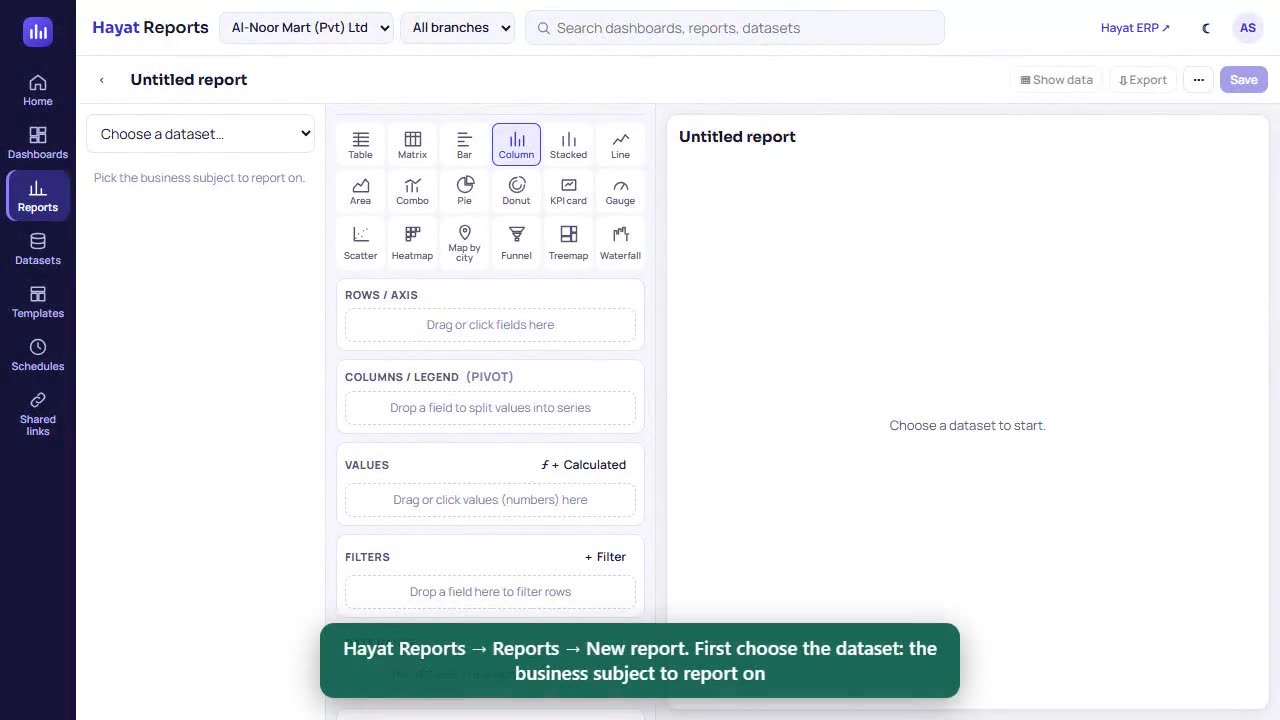
Hayat ERP walkthrough: Hayat Reports: use a dashboard

A 51-second screen walkthrough of Hayat ERP. A dashboard: KPI cards, charts and tables with filters for all of them. Change the Period in the filter bar — every tile follows. Click a bar: every other tile is filtered on that value. The chip shows the cross-filter; the tile you clicked keeps its data and shows ✕ filter. 0:51
Video transcript

0:04 A dashboard: KPI cards, charts and tables with filters for all of them

0:08 Change the Period in the filter bar — every tile follows

0:16 Click a bar: every other tile is filtered on that value

0:22 The chip shows the cross-filter; the tile you clicked keeps its data and shows ✕ filter

0:30 Clear it with × on the chip

0:32 ⛶ TV: full screen without menus, refreshed every 5 minutes

0:48 Choose how often it refreshes, or Exit full screen

Book a call

Tell us what you're building.

We reply within one business day with a proposed team, timeline and monthly cost.

Ali AbdullahChief Executive Officer
Email
sales@level8technologies.com
Phone
+92 303 506 1264
WhatsApp
+92 303 506 1264
Office
Karachi, Pakistan

Request a proposal

We only use your details to reply to this request. See our privacy policy.
WhatsApp us