
1. Home
  2. Videos
  3. Hayat Reports
Hayat ERP · Walkthrough on real screens

Hayat ERP walkthrough: Hayat Reports: build a report

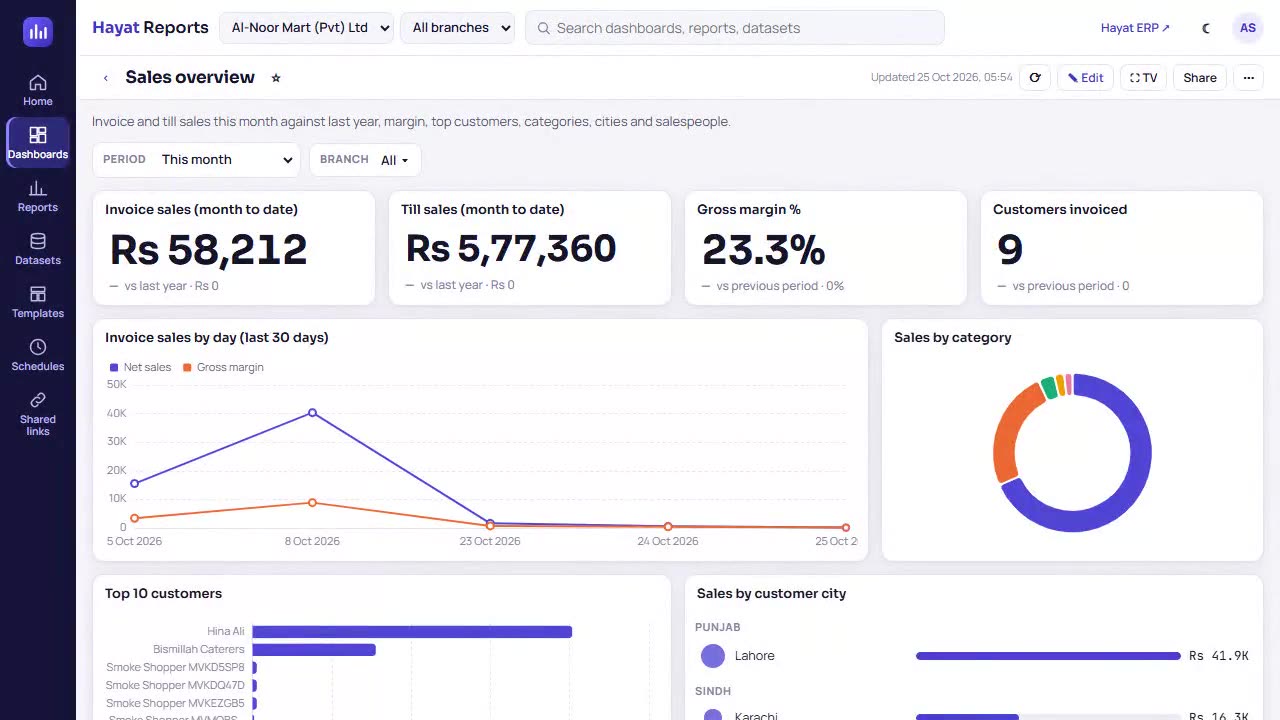
A 75-second screen walkthrough of Hayat ERP. Hayat Reports → Reports → New report. First choose the dataset: the business subject to report on. Sales invoice lines: the builder starts with the date and net sales for the last 30 days. Click a field to put it on Rows, a value to put it on Values — or drag it onto any shelf. Date range: This year. The preview runs again after every change. 1:15
Video transcript

0:03 Hayat Reports → Reports → New report. First choose the dataset: the business subject to report on

0:11 Sales invoice lines: the builder starts with the date and net sales for the last 30 days

0:17 Click a field to put it on Rows, a value to put it on Values — or drag it onto any shelf

0:31 Date range: This year. The preview runs again after every change

0:38 Bar: long names read well

0:49 Donut: shares of one value — the note says what shape it needs

0:55 Table: the exact figures with a totals row

1:00 Back to Column

1:03 ƒ+ Calculated adds your own formula, e.g. DIVIDE(margin, net) * 100 for margin %

1:09 Save keeps it under Reports with a name and folder — not saved here

Book a call

Tell us what you're building.

We reply within one business day with a proposed team, timeline and monthly cost.

Ali AbdullahChief Executive Officer
Email
sales@level8technologies.com
Phone
+92 303 506 1264
WhatsApp
+92 303 506 1264
Office
Karachi, Pakistan

Request a proposal

We only use your details to reply to this request. See our privacy policy.
WhatsApp us