1. Home
  2. Videos
  3. POS software
Hayat ERP · Walkthrough on real screens

Hayat ERP walkthrough: Till: member, coupon, points and bank card offer

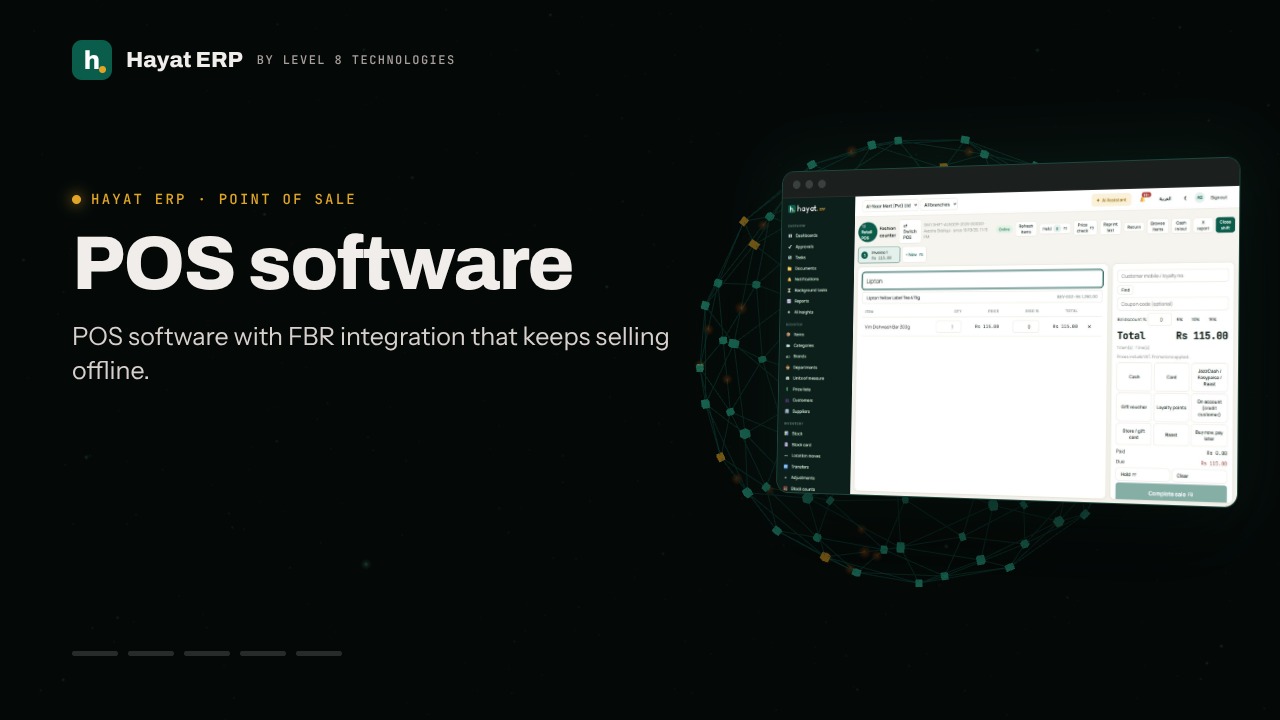
A 55-second screen walkthrough of Hayat ERP. Scan the items as usual. Type the customer’s mobile or scan the loyalty card, then Find. The member’s tier, points and their value show — “Pay with points” uses them. Type a coupon code: a tick or a cross shows at once, and the total updates. 0:55
Video transcript

0:06 Scan the items as usual

0:14 Type the customer’s mobile or scan the loyalty card, then Find

0:22 The member’s tier, points and their value show — “Pay with points” uses them

0:25 Type a coupon code: a tick or a cross shows at once, and the total updates

0:32 Paying by card? Choose Card and type the first 6 and last 4 digits, then Offer?

0:43 If the bank has an offer, charge the card only the amount shown — the bank pays its share later

0:47 Store and gift cards: choose Store card, type the number and PIN

0:49 This practice bill is cleared — on a real sale press Complete sale (F8)

Book a call

Tell us what you're building.

We reply within one business day with a proposed team, timeline and monthly cost.

Ali AbdullahChief Executive Officer
Email
sales@level8technologies.com
Phone
+92 303 506 1264
WhatsApp
+92 303 506 1264
Office
Karachi, Pakistan

Request a proposal

We only use your details to reply to this request. See our privacy policy.
WhatsApp us