1. Home
  2. Videos
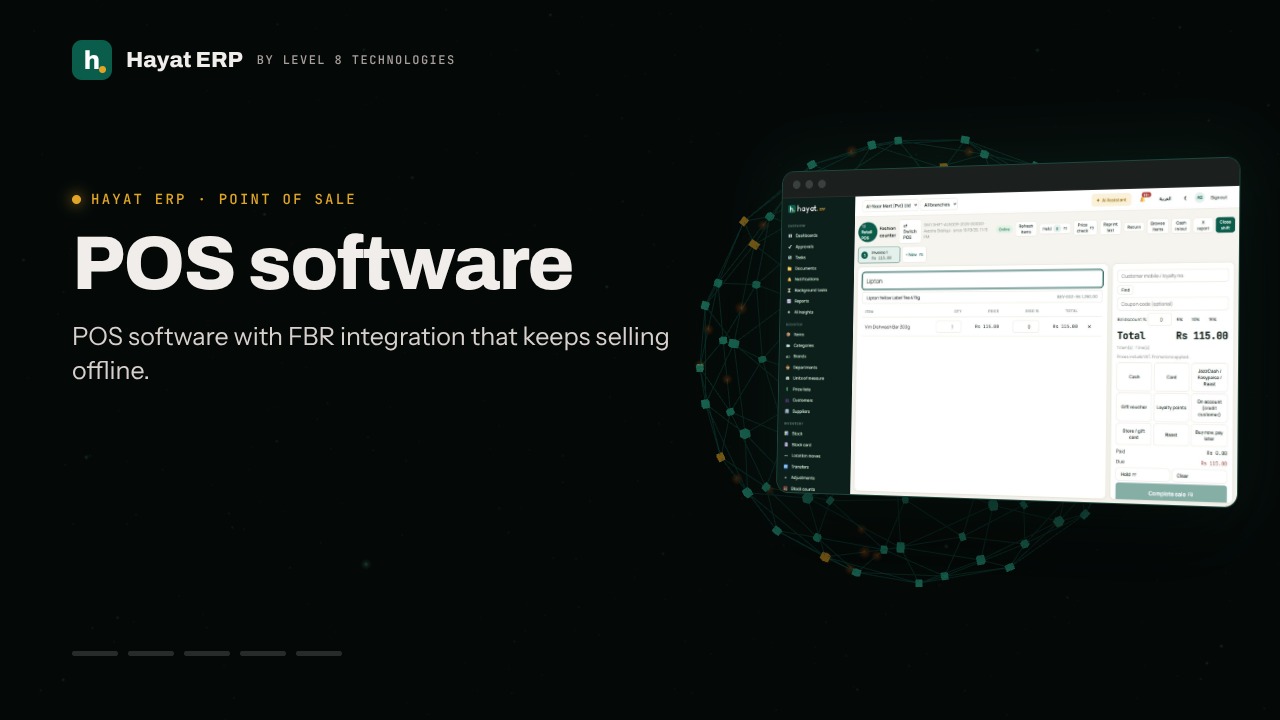
  3. POS software
Hayat ERP · Walkthrough on real screens

Hayat ERP walkthrough: Make a sale on the POS

A 33-second screen walkthrough of Hayat ERP. POS: pick the till screen that fits your shop — retail, superstore, grocery, pharmacy, fashion, restaurant or salon. Open the Retail till. First sale of the day: choose the till and count the opening float. Scan a barcode or type the item name, then press Enter. 0:33
Video transcript

0:02 POS: pick the till screen that fits your shop — retail, superstore, grocery, pharmacy, fashion, restaurant or salon

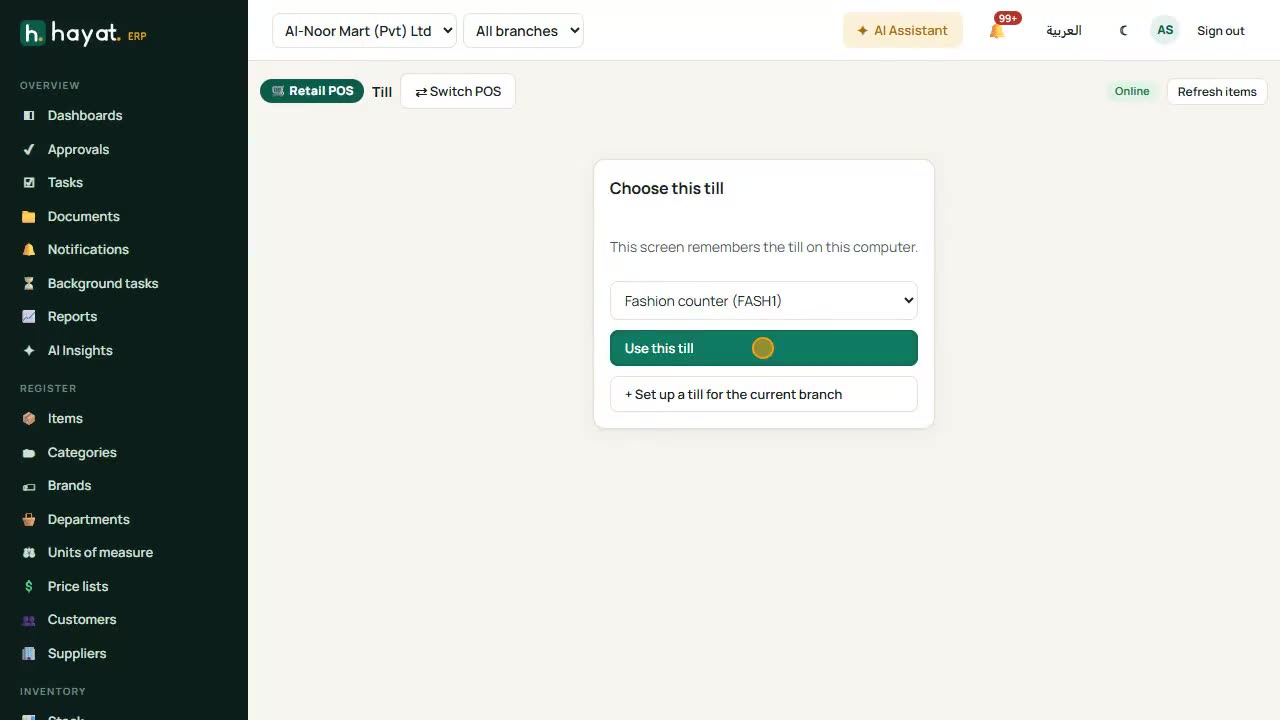
0:06 Open the Retail till

0:09 First sale of the day: choose the till and count the opening float

0:12 Scan a barcode or type the item name, then press Enter

0:20 Change quantity or price on the line; discounts need permission

0:22 Choose how the customer pays — cash, card, wallet, or split payments

0:24 Complete the sale (F8). The receipt prints and, if enabled, is reported to FBR

0:29 Hold (F7) parks a bill; F6 opens a second invoice for the next customer

Book a call

Tell us what you're building.

We reply within one business day with a proposed team, timeline and monthly cost.

Ali AbdullahChief Executive Officer
Email
sales@level8technologies.com
Phone
+92 303 506 1264
WhatsApp
+92 303 506 1264
Office
Karachi, Pakistan

Request a proposal

We only use your details to reply to this request. See our privacy policy.
WhatsApp us