1. Home
  2. Videos
  3. School
Hayat ERP · Walkthrough on real screens

Hayat ERP walkthrough: School: attendance and the timetable

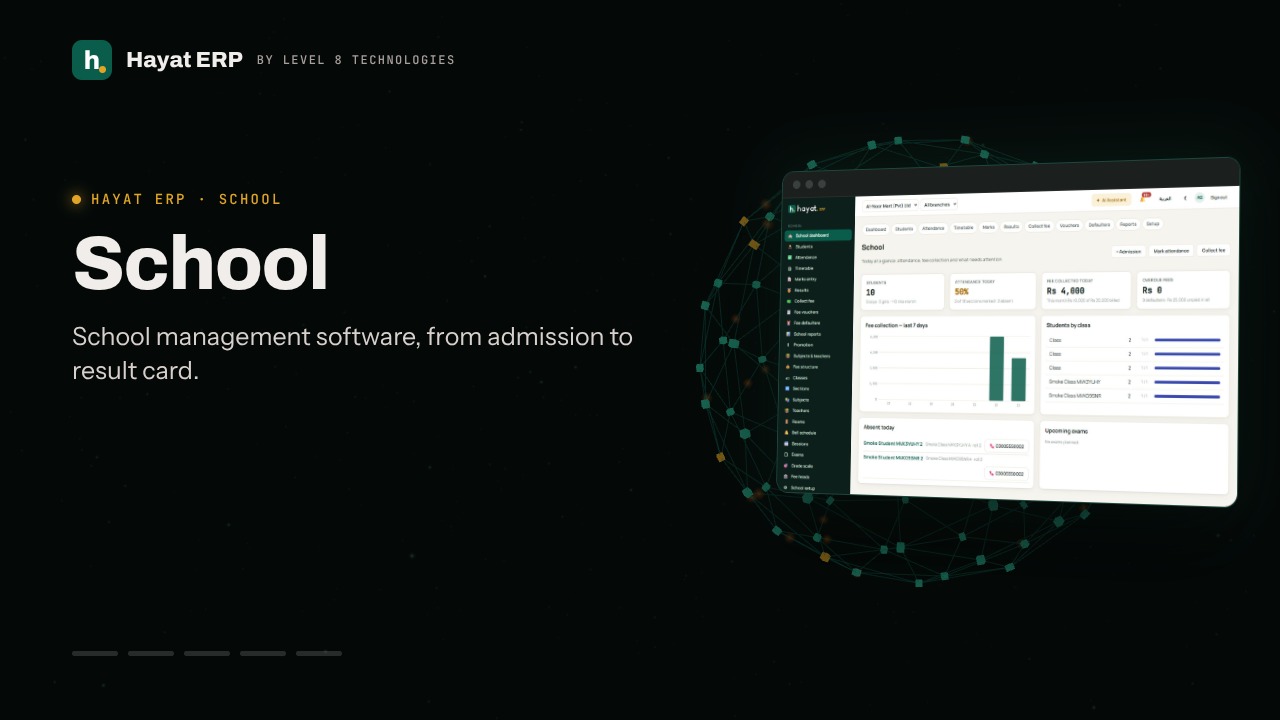
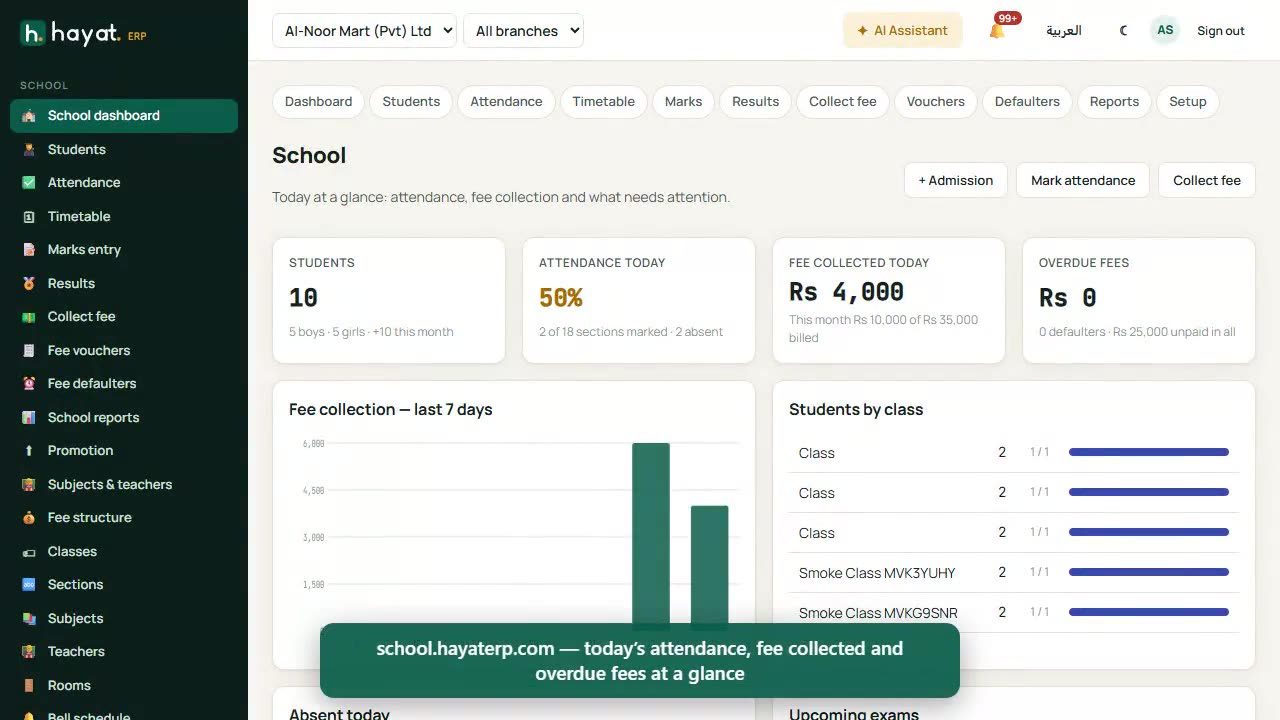
A 46-second screen walkthrough of Hayat ERP. Attendance: choose the date and section. Everyone starts present — tap the absent ones. The month register prints the classic attendance sheet. Subjects & teachers: periods per week for each subject and the teacher of each section. The timetable generator places every period without teacher or section clashes. 0:46
Video transcript

0:02 Attendance: choose the date and section. Everyone starts present — tap the absent ones

0:11 The month register prints the classic attendance sheet

0:16 Subjects & teachers: periods per week for each subject and the teacher of each section

0:22 The timetable generator places every period without teacher or section clashes

0:31 See it by section or by teacher; teachers open “My timetable”

0:36 Unplaced periods and each teacher’s week show what still needs fixing

0:41 Marks entry and results follow the same pattern: choose exam, section and subject

Book a call

Tell us what you're building.

We reply within one business day with a proposed team, timeline and monthly cost.

Ali AbdullahChief Executive Officer
Email
sales@level8technologies.com
Phone
+92 303 506 1264
WhatsApp
+92 303 506 1264
Office
Karachi, Pakistan

Request a proposal

We only use your details to reply to this request. See our privacy policy.
WhatsApp us