1. Home
  2. Videos
  3. Import & export
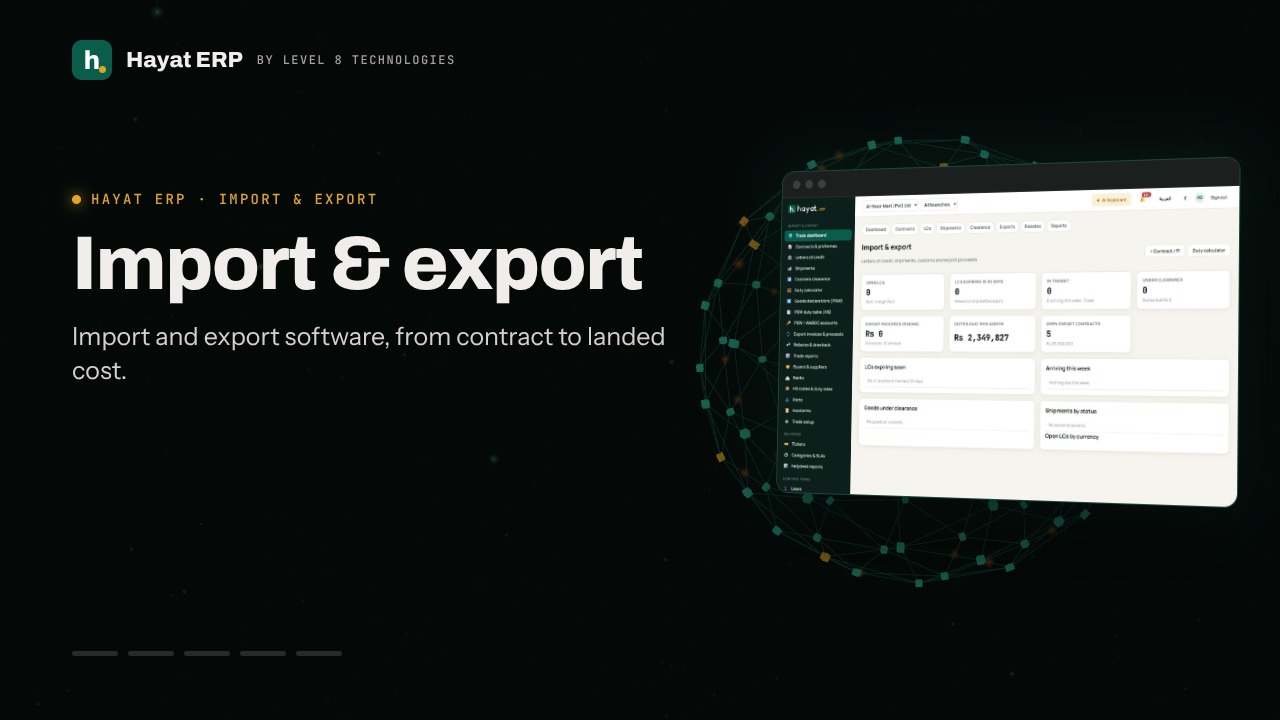
Hayat ERP · Walkthrough on real screens

Hayat ERP walkthrough: Import & export: LC, shipment, clearance and proceeds

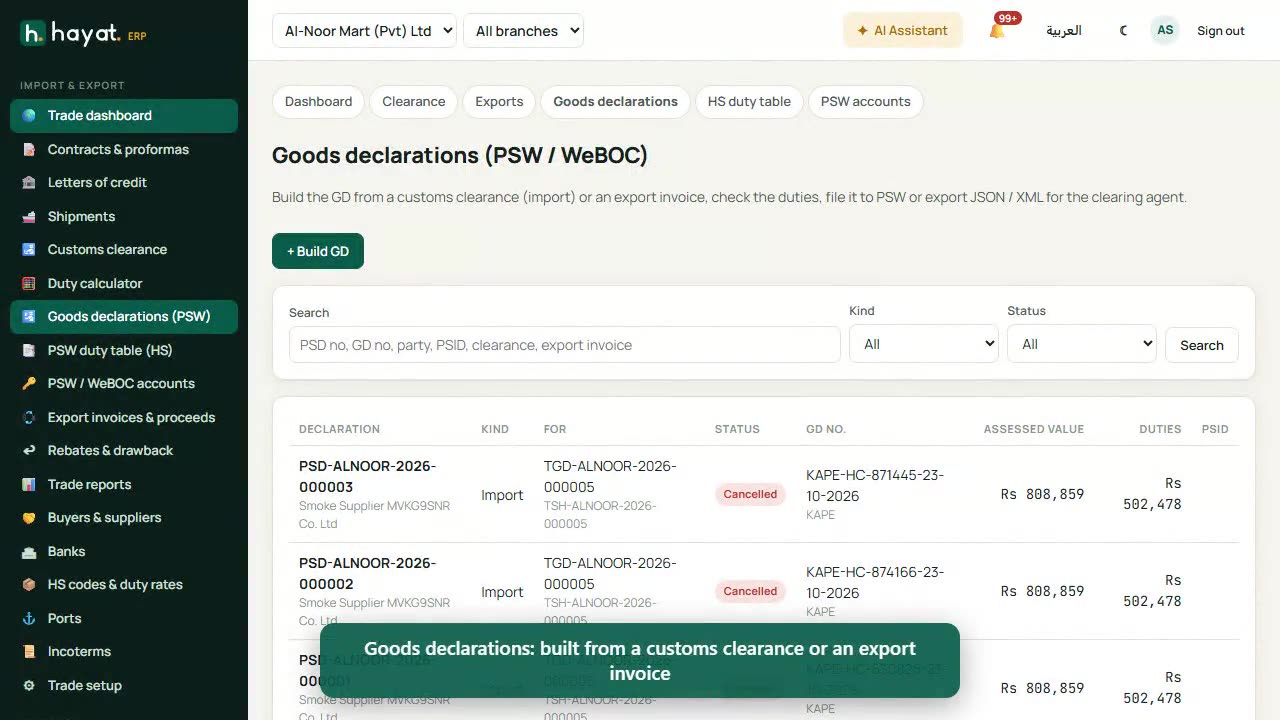
A 44-second screen walkthrough of Hayat ERP. trade.hayaterp.com — LCs, shipments on the water, goods at customs and export proceeds due. Start with the contract or proforma from the supplier or buyer. LC register: margin, bank charges, amendments, documents and retirement. Shipments move Booked → Shipped → Arrived → Under clearance → Cleared → Delivered. 0:44
Video transcript

0:03 trade.hayaterp.com — LCs, shipments on the water, goods at customs and export proceeds due

0:08 Start with the contract or proforma from the supplier or buyer

0:13 LC register: margin, bank charges, amendments, documents and retirement

0:18 Shipments move Booked → Shipped → Arrived → Under clearance → Cleared → Delivered

0:26 Customs clearance: assess duties, pay them, add charges, then mark cleared into stock

0:32 The duty calculator estimates duties from the HS code before you order

0:40 Exports: invoice, packing list and Form E; record proceeds when the bank realises them

Book a call

Tell us what you're building.

We reply within one business day with a proposed team, timeline and monthly cost.

Ali AbdullahChief Executive Officer
Email
sales@level8technologies.com
Phone
+92 303 506 1264
WhatsApp
+92 303 506 1264
Office
Karachi, Pakistan

Request a proposal

We only use your details to reply to this request. See our privacy policy.
WhatsApp us